Guide
How to open a .msg file on a Mac
Macs can't open Outlook .msg files on their own. Here are three ways to read one, starting with the fastest.
Updated 29 October 2026 · 2 min read
Why your Mac can't open .msg files
A .msg file is a single email saved by Microsoft Outlook for Windows. Apple Mail and Preview don't read the format, so double-clicking it does nothing useful.
People usually send one when they drag an email out of Outlook and attach it to a new message, or forward it "as an attachment". The file holds the whole email: the sender, the date, the message and its attachments.
Option 1: Open it in your browser
- Go to openemailfile.com in Safari or Chrome.
- Drop the .msg file into the box.
- Up to 2 MB, read it in full or save the PDF free. Bigger emails show a free preview first.
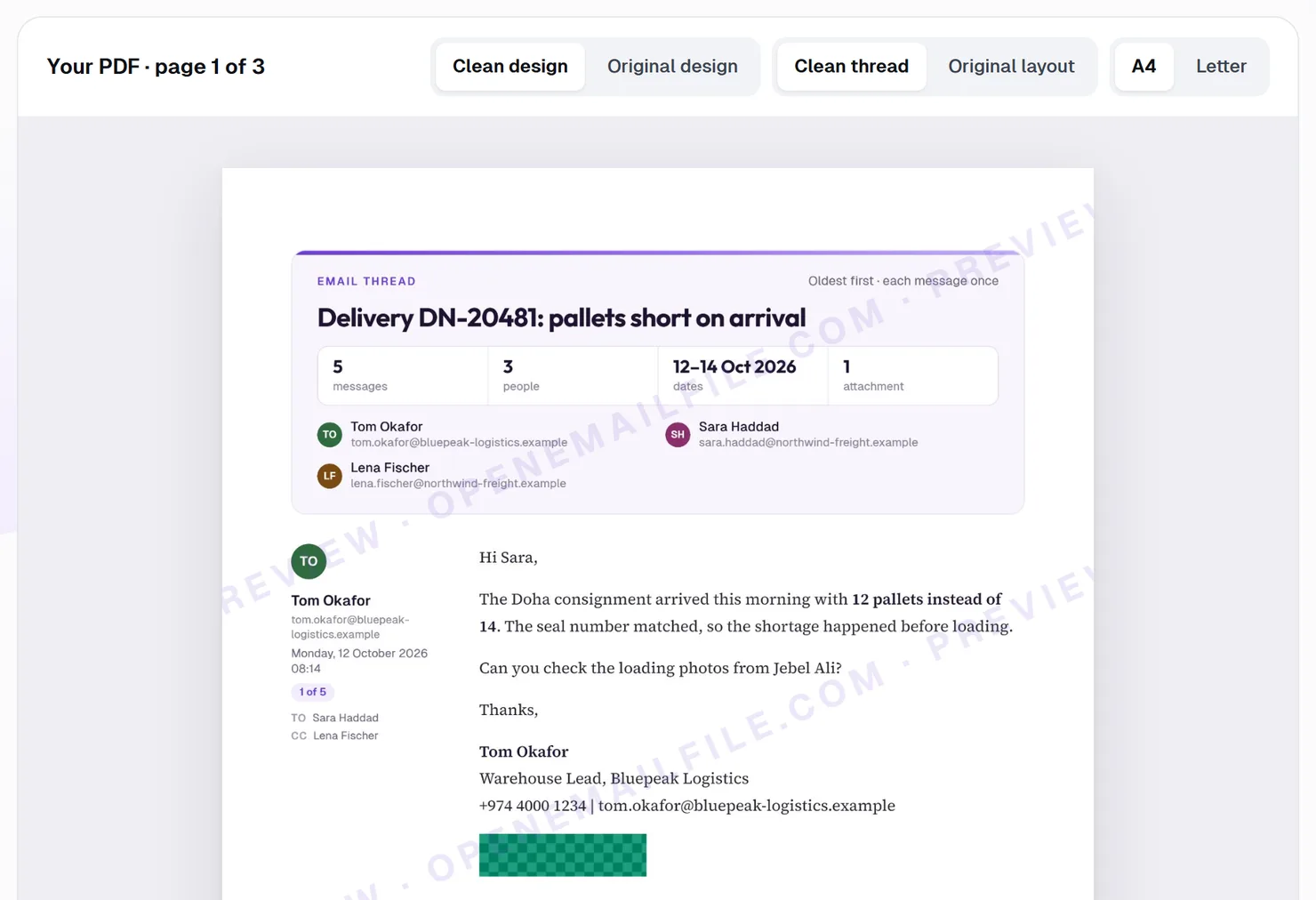
The email is opened inside your browser, so we never see it. You can save it as a PDF, print it or save its attachments, and nothing needs installing.
Option 2: Ask the sender for a PDF
If it isn't urgent, ask the sender to forward the email itself rather than attaching it, or to save it as a PDF first.
Option 3: Use Outlook for Mac
If you have Outlook for Mac, it can open some .msg files. In Finder, right-click the file, choose Open With, then Microsoft Outlook. Recent versions of Outlook for Mac often attach the file to a new email instead of opening it. If that happens, use Option 1.